Codex Themes for Team Branding
A team theme should begin with one approved brand image and a short readability checklist—not a screenshot of anyone's workspace. GptSkin can turn that source into a coordinated Codex theme, while each teammate decides whether to install or restore it locally.
Use a safe source asset
Choose a company-owned illustration, campaign image, or abstract brand composition. Confirm that the team has permission to use it. Do not use screenshots containing chats, repository names, email addresses, customer data, or code. GptSkin community previews are generated from the source image only.
A practical rollout
- Select one approved source image and one backup with less visual detail.
- Build a custom theme and review text, code, tabs, warnings, and focus states.
- Share the theme artifact through your normal internal channel.
- Keep adoption optional and document
Restore the default Codex theme. - Recheck after Codex desktop updates because interface changes can require a Skill update.
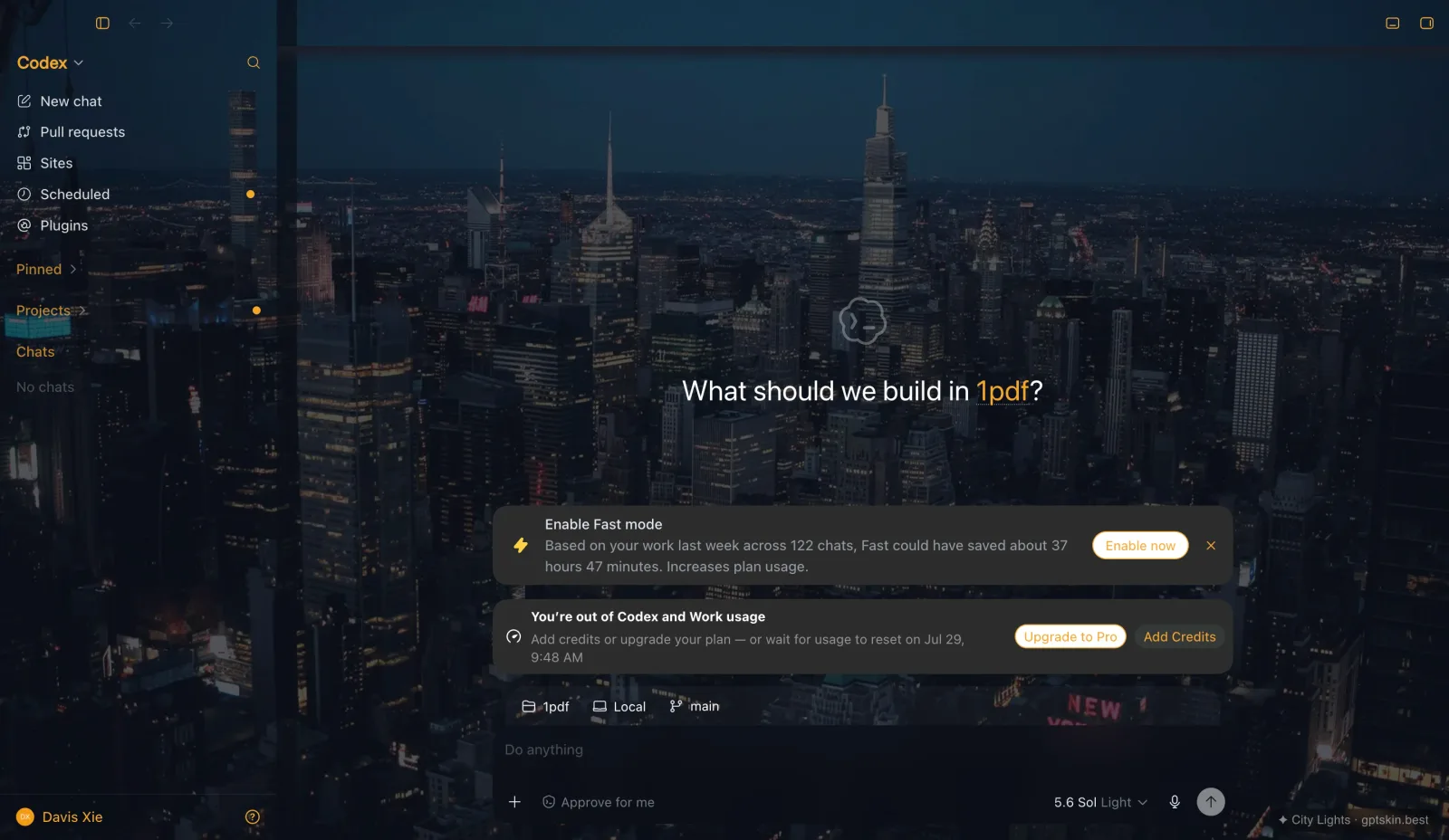
For a no-cost proof of concept, test the six free presets first. City Lights demonstrates warm accents on dark surfaces; Minimal Light is a restrained starting point for light brand systems.
Boundaries teams should know
GptSkin is not a device-management or policy-enforcement tool. It does not synchronize settings across employees, and it does not replace accessibility review or an organization's security process. The open-source Skill applies the theme locally through loopback-only runtime injection and does not patch app.asar or read conversations. See Security.
Cost and next step
Each new custom image theme costs 20 Credits. Reapplying a saved local theme is free, so one approved artifact can be reused without another build charge. Verify current packages on Pricing, review examples in Showcases, and follow Installation.
This is a workflow guide, not evidence that a named customer uses GptSkin. It follows the GptSkin Editorial Policy. Last verified: July 28, 2026.